- /
- Storage Guides
- /
- Data backup
- /
- Data backup: Types, options, and how to make backups ransomware-proof
Data backup: Types, options, and how to make backups ransomware-proof
 AC
ACDirector of Solutions Marketing
 PS
PSContent Writer
In 2025, cyber criminals targeted backup repositories in 89% of cyber attacks, and, on average, they modified or deleted about a third of the repositories they hit [1].
Why? Because criminals know that the fastest way to force payment is to destroy any chance of recovery. So while most organizations back up their data, far fewer can actually ensure recovery in the event of a ransomware attack.
Read on to learn more about the different types of data backup, how to choose between different backup storage options, and how to know that your backups are ransomware-proof and will be there, unaltered, when you need them most.
Key takeaways
-
Backups are now the primary target of ransomware, so the real measure of a backup strategy is whether a business can recover from an attack.
-
The 3-2-1-1-0 rule, including one immutable copy of backup data and zero recovery errors, is the modern baseline for recoverability.
-
Backups that are absolutely immutable, tested, and well-documented help organizations meet recovery and data-integrity obligations under regulations like GDPR, HIPAA, NIS2, and DORA.
-
A successful data backup approach combines different backup methods and storage types. Your individual business needs and workloads should inform which of the backup methods below to choose.
What is data backup?
Data backup is the process of creating a copy of digital information that can be restored if the original is destroyed. The goal is simple: when data is lost to accidental deletion, corruption, hardware failure, or a cyberattack, the backup is still there, ready to restore. Backup copies can live on-premises, in the cloud, or across both.
The value of a backup is not in the copy itself, but in the recovery. A backup that cannot be restored quickly, completely, and unaltered does not offer the protection you needed, no matter how many copies exist.
The stakes keep rising. The global average cost of a data breach reached $4.44 million in 2025, with the United States remaining the highest-cost region by a wide margin [3]. Much of that cost comes from downtime and data loss, which is exactly what a strong data backup and recovery approach is designed to prevent.
Benefits of data backup
Almost every organization backs up at least some data. The real question is whether those backups deliver the resilience that enables your business to survive a crisis - because many do not.
The benefits below are what separate a resilient backup from one that only looks like it offers you protection.
Recovery you can measure and prove
Setting clear recovery time objectives (RTO) and recovery point objectives (RPO) lets you plan to a specific, measurable set of recovery goals. RTO defines how much downtime a business can tolerate, and RPO defines how much data it can afford to lose.
These should be agreed for different types of data across the business and used as the benchmarks for backup infrastructure design, implementation, and regular testing. Setting and validating your RTO and RPO help turn a potentially worst-case outage into a known, planned-for cost.
A clean copy that survives an attack
An immutable backup is a copy designed to stay unchanged after it is written. The goal is to create a restore point that ransomware cannot encrypt or delete, even if the attack reaches the backup software and/or storage. But not all immutable backups are equal.
Much of what is described as “immutable” backup capability is actually policy-based or of limited scope. For example, a backup copy may be marked as immutable by the backup software that manages it, and that software will not allow subsequent changes or deletions to the backup.
But if the backup file itself sits on storage where an administrator (or attacker with stolen permissions) can alter or delete any files, then it is not really immutable at all – an attacker with the right credentials can just bypass the backup software altogether and attack the file via the operating system.
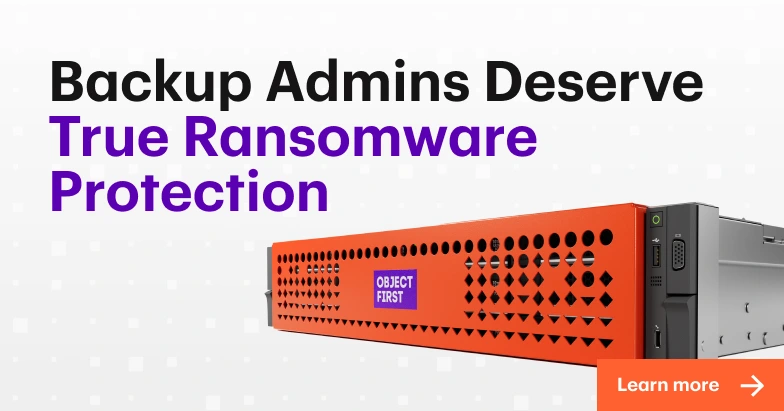
To survive an attack, there must be Absolute Immutability. That means no one, even an administrator or attacker with stolen admin privileges, can alter or delete an immutable backup, including via firmware or at the storage layer.
Restores that come back usable
Recovering files is not the same as recovering a working system. Use application-consistent backups to capture more complex applications like databases, ERP platforms, and CRM systems in a known state, so they can be easily restarted after restore. Dealing with corrupted snapshots that need hours of repair even after restore is complete puts your RTO at risk.
Helps meet compliance obligations
Regulators have shifted their attention from whether organizations back up to whether they can prove recovery will be possible, in advance. Reliable, well-documented backup helps meet recovery and data-integrity obligations across major frameworks, including GDPR Article 32, HIPAA §164.312(c)(1), NIS2 Article 21, DORA Article 12 (which adds mandatory recovery testing for financial entities [4]), and the UK’s forthcoming Cyber Security and Resilience Bill.
Early warning of an attack
Backup systems touch data every day, which makes them a useful sensor for spotting trouble early. Sudden spikes in change rates or signs of mass encryption can surface during backup jobs, flagging ransomware before it spreads. Some teams sharpen that signal with a decoy like the Object First Honeypot, a decoy server securely separated from the real backup infrastructure, that trips an alarm the moment an attacker probes it.
Resilience against human error
A lot of data loss comes down to simple mistakes: a deleted folder, an overwritten file, or a misconfigured job. Automated schedules, retention policies, and least-privilege access keep any one of them from becoming a major incident, and keep a recovery point available when someone needs it.
What data should you back up, and how often?
Not all data carries the same weight, and treating it all the same wastes storage and slows recovery. Start with the systems the business cannot run without.
Most organizations should back up:
-
Critical business systems and the operating systems that run them
-
Databases and the applications that depend on them, such as ERP and CRM
-
Financial records, customer data, and other regulated information
-
Email, communication, and collaboration data
-
Configuration files, along with endpoint and remote-office data
How often to back up each system depends on how much of that data the business can afford to lose between backups, which is exactly what the RPO measures. The tighter that RPO, the more frequently backups need to run: a constantly changing system may need near-continuous backups, while a static archive may be fine with a weekly copy.
If you are relying on a cloud application vendors to back up your data for their applications, be sure also to validate that they have acceptable backup processes in place, and that their guaranteed RTO and RPO for restore meet the requirements you would have for similar data.
Match backup schedules to the data rather than to a fixed calendar, and automate the jobs so the schedule holds without manual effort and the possibility of human error is reduced.
Types of data backup
Backup methods differ mainly in how much data they copy and how they balance speed, storage, and recovery effort.
These three classic types of backup are still the foundation of most backup schedules:
Full backup
A full backup copies everything selected in a single operation, creating one complete, independent restore point. Recovery is simple because everything sits in one place. The trade-off is size. Full backups consume the most storage and take the longest to run, so most teams schedule them periodically rather than every day.
Incremental backup
An incremental backup saves only the data that has changed since the last backup of any kind. That makes it fast and light on storage. But because successful recovery requires the last full backup and every subsequent incremental backup in the chain, all incremental backups need the same Zero Access protection and verification as the full backup.
Differential backup
A differential backup captures everything that has changed since the last full backup. It sits between full and incremental: larger than an incremental, but simpler to restore, because recovery needs only the last full backup and the latest differential. Differentials grow over time, so they pair well with regular full backups. For a side-by-side comparison of these, see full vs. incremental vs. differential backup.
Other backup approaches
Beyond these four core methods, some scenarios call for specialized techniques that cut backup windows, reduce network load, and speed up restores:
-
Mirror backup: Keeps a live, near-real-time replica of the source. It offers the lowest data loss, but it carries a risk: because it mirrors changes as they happen, a deletion or corruption can be copied straight through to the mirror, unless the mirror is paired with immutable snapshots.
-
Synthetic full backup: Builds a new full backup on the repository by merging the last full with later incrementals, with no need to reread data from production. The result is a fresh, ready-to-restore full that keeps network and I/O overhead low.
-
Reverse incremental backup: Each job updates the on-disk full to the latest state and stores the prior version as a delta; the small set of changes needed to roll back to that older point. Restores are fast because the newest point is already a full backup, but at the cost of more write activity during each job.
-
Incremental-forever backup: After one initial full, every job captures only changes, then periodically consolidates them into synthetic full backups for retention and chain health. This keeps backup windows and storage churn low in large, always-on environments.
-
Hot backup: Captures data from live systems without downtime. It uses application-aware quiescing, which briefly pauses an application so its data lands in a consistent state, with tools like database hot-backup modes or Windows Volume Shadow Copy Service (VSS). Open files and transactions stay consistent while services keep running.
How to choose the right backup job type
The right method depends less on the technology and more on what the business needs to recover, and how quickly.
Consider these factors before committing to a particular strategy for a given backup workload:
-
Recovery objectives: Tighter RTO and RPO targets favor incremental or mirror methods that run often.
-
Data change rate: Fast-changing data suits incremental backups, while mostly static data can rely on fuller, less frequent copies.
-
Backup window: Limited time to run jobs favors lighter incremental or differential backups.
-
Storage capacity and cost: Full backups need the most space, and incrementals stretch the same storage further.
-
Restore complexity: Simpler recovery from full or differential backups reduces risk during a crisis, when every minute counts.
Data backup storage options: Cloud vs. on-premises vs. hybrid
In practice, there are three main backup storage options: on-premises, cloud, or hybrid. Below, we cover each approach, then compare them side by side to help you choose the right fit for your business.
On-premises backup storage
On-premises backup stores data locally on physical infrastructure you control, typically purpose-built backup appliances (PBBAs), NAS or SAN arrays, or object storage systems.
These options differ in throughput, scalability, and, most importantly for ransomware defense, how strongly they enforce immutability: some rely on policies an administrator can loosen, while others lock data structurally so it cannot be altered or deleted at all. Recovery happens fast across local networks, and no external provider can alter or throttle the data.
However, on-prem systems require hardware management, physical protection, and ongoing maintenance. A local copy on its own cannot survive fire, theft, or site loss, so it should always be paired with an off-site copy, and ideally an immutable one, in the spirit of the 3-2-1-1-0 rule.
Cloud backup storage
Cloud backup stores data on remote servers instead of local hardware. Most commonly, this is public cloud, run by third-party providers such as AWS, Azure, or Google Cloud, which offers elastic scalability, flexible pricing, and instant geographic redundancy. A private cloud, dedicated to a single organization, trades some of that elasticity for tighter control and isolation.
However, the downsides of cloud backup storage become more apparent when the focus shifts to recovery within tight RTO timeframes.
Restoring terabytes of data from the cloud can be slow and expensive, especially when egress fees or bandwidth limits apply. With public cloud in particular, control is also shared, since uptime, encryption policies, and retention all depend on the provider.
Hybrid backup storage
Hybrid backup combines local performance with cloud scalability, creating a layered resilience model. Recent or mission-critical data stays on-prem for fast recovery, while older backups or immutable data copies are pushed to the cloud for off-site protection.
This layered setup pairs low-latency restores for everyday incidents with cloud-based isolation for disaster recovery or ransomware defense.
It also enables flexible retention, short-term on-site and long-term in the cloud, while reducing total storage costs through smart tiering.
How to choose the best backup option
Speed, cost, control, and complexity all pull in different directions. The table below puts on-premises, cloud, and hybrid side by side so the trade-offs are easy to compare.
|
On-premises backup storage |
Cloud backup storage |
Hybrid backup storage |
|
|
Recovery speed (RTO) |
Fastest recovery since data is stored locally, eliminating dependence on internet bandwidth. |
Moderate recovery speed, limited by network bandwidth and data transfer latency. |
Combines instant local recovery with off-site cloud copies for disaster recovery. |
|
Resilience and availability |
High resilience within a single site, with limited protection against site-wide failures. |
Very high resilience with built-in geographic redundancy across data centers. |
Highest resilience by layering local and off-site backups for multi-tier protection. |
|
Backup window and RPO |
Fast backup writes and local network throughput can support shorter backup windows and more frequent recovery points. |
Internet bandwidth and data transfer latency may extend backup windows, potentially limiting backup frequency for large datasets. |
Local backups provide rapid data ingestion and short backup windows, while cloud copies extend protection without significantly affecting operational RPOs. |
|
Control and compliance |
Full control over hardware, data location, and security policies, ideal for strict data sovereignty requirements and assurance of regulatory compliance eg GDPR, DORA, HIPAA, FINRA, CSR Bill. |
Data resides in provider infrastructure; compliance depends on vendor certifications and shared responsibility. |
Balanced control, with sensitive data kept on-prem while using cloud compliance coverage. |
|
Cost efficiency |
Typically, upfront CapEx for hardware and storage, though Consumption-based acquisition models can make long-term operating costs more manageable and predictable. |
Pay-as-you-go OpEx model, with potentially higher long-term costs depending on data growth and retrieval frequency. |
Optimized cost structure, with potential for mixed CapEx/OpEx or all-OpEx models. |
|
Scalability and flexibility |
Scaling requires adding further hardware, though responsibility shifts to the vendor in Consumption models. |
Virtually unlimited scalability with instant provisioning and elastic storage. |
Flexible scaling across both local and cloud tiers, ideal for evolving data landscapes. |
|
Operational complexity |
Requires infrastructure management and physical security, though some appliances automate much of the management overhead. |
Simplified operations managed by the provider, with minimal IT overhead. |
Moderate complexity due to integration and orchestration between environments. |
No single option wins for every organization or even every workload. The right fit usually comes down to a few practical questions:
-
Choose on-premises when fast local recovery and full control over data and compliance are the priority.
-
Choose cloud when scalability, geographic redundancy, and minimal hardware management matter more than restore speed.
-
Choose hybrid when the goal is fast everyday recovery plus off-site isolation for ransomware recovery and ransomware protection.
Whichever model fits, adhere to the 3-2-1-1-0 rule and keep at least one immutable copy in each resilience zone, so a single attack or disaster cannot wipe out all backups at once.
Steps to make your backups ransomware-proof
In 2025, 79% of ransomware victims found their backups had been compromised. The recovery gap is stark: 46% of organizations with intact backups were able to restore within a week, compared with just 26% when their backups were compromised [2].
Following the steps below will ensure your backups will survive a ransomware attack, even when bad actors target them directly.
1. Classify and prioritize your critical data
Map systems and data by business impact, then set the order in which they should be recovered and the data loss each can tolerate. That way, the systems where an outage would cause the most harm get the strongest protection and the fastest recovery. Set your RPO and RTO according to the criticality of each system.
2. Apply the 3-2-1-1-0 rule
The old 3-2-1 rule was built for accidents and hardware failures, not for attacks that deliberately target backups. The 3-2-1-1-0 rule updates it: three copies of data, on two media types, with one off-site, one offline or immutable, and zero recovery errors confirmed by testing. That one immutable copy and the zero-error check are what carry a recovery through a ransomware event.
3. Make at least one copy immutable
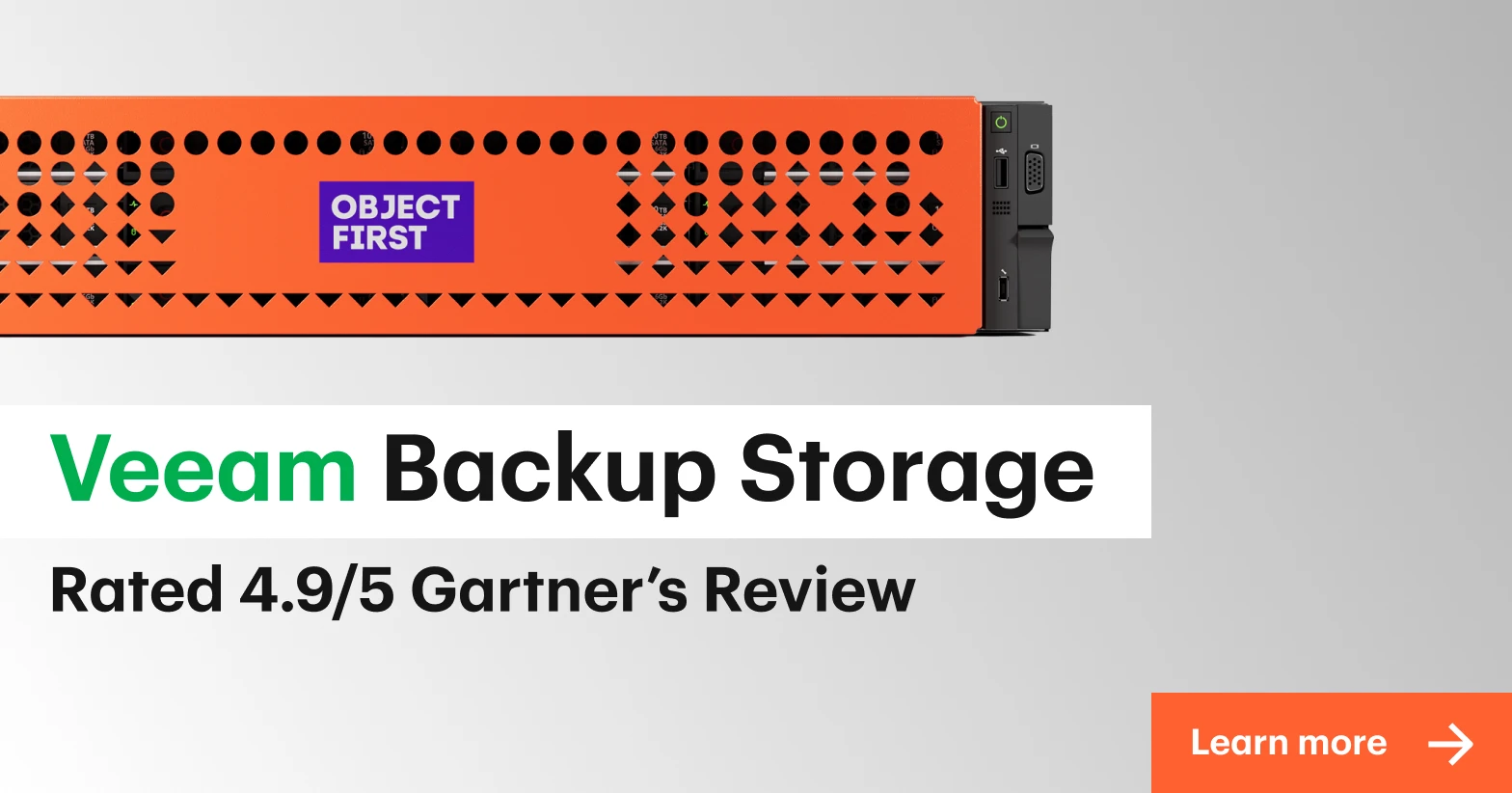
Only 32% of organizations used immutable repositories in 2025 [1]. Fewer still use the kind that holds when an attacker already has admin credentials in hand. That is Absolute Immutability: enforced by the storage itself, locked from the moment data is written, so no one, whether administrator or an attacker, can alter or delete backup data.
4. Separate backup software from backup storage
When the same credentials control both backup software and the storage beneath it, one breach can expose everything. Keeping the two layers separate follows Zero Trust principles, so compromising one does not compromise the other.
5. Encrypt data
Encrypt backup data in transit and at rest, so a stolen copy is useless without the keys. But encryption is only as strong as the keys behind it: store them separately from the data, with their own access controls and rotation. Also worth noting, encryption only stops a copy from being read, not from being deleted, so you need both encryption and immutability to ensure the best outcomes during and after an attack.
6. Apply robust access controls
Limit who can access the backup system: enforce multi-factor authentication, apply least-privilege roles, and require multiple approvals before any potentially destructive actions are permitted. Assume that all internal credentials may have been compromised, so these approvals should include external (e.g. vendor-side) validation. Most backup compromises start with an account, not an exploit, so access control is the frontline defense.
7. Test recovery on a schedule
A backup that has never been restored is an assumption, not a plan. Run regular recovery drills, from single files to full systems, confirm they meet the recovery targets set in step one, and document the results for audits. This is the zero in 3-2-1-1-0, and it is the only way to know a ransomware-proof backup strategy works before an incident potentially proves it does not.
Together, these steps describe a backup approach built to recover after an attack: immutable, separated, verified, and ready. The final piece is the storage that makes it practical to run every day.
Back up your data with Object First
Many vendors claim to offer immutable backup storage, but what they really provide is a policy-based configuration that can still be changed, bypassed, or disabled by administrators or attackers with elevated privileges.
Absolute Immutability, on the other hand, enforces Zero Access by design, not by policy. Even the most privileged admin or attacker with access to backup storage cannot modify or delete data, and this must be independently verifiable through third-party testing.
When—not if—ransomware strikes, the future of your business, reputation, and career are on the line. Object First prepares you for cyberattack recovery with Absolute Immutability, ensuring your data can’t be altered or deleted under any circumstances.
Our purpose-built backup appliances offer secure, simple and powerful backup storage that is secure by design with Absolute Immutability and third-party tested.
So when chaos strikes, you can get back to business and be Simply Resilient.
Summary
Data backup has become a security frontline. Attackers now typically target backups before anything else, so the real test of a backup strategy is no longer how many copies exist, but whether the business can actually recover from them.
The approaches that hold up share the same backbone: clear data priorities, the 3-2-1-1-0 rule, at least one absolutely immutable copy that attackers cannot alter or delete, and recovery that is tested on a schedule rather than discovered during a crisis.
References
[1] Veeam. "2025 Ransomware Trends Report." 2025. https://www.veeam.com/blog/ransomware-trends.html
[2] Sophos. "The State of Ransomware 2025." 2025. https://www.sophos.com/en-us/content/state-of-ransomware
[3] IBM. "Cost of a Data Breach Report 2025." 2025. https://www.ibm.com/reports/data-breach
[4] Regulatory frameworks: GDPR Article 32; HIPAA §164.312(c)(1); NIS2 Directive (EU 2022/2555) Article 21; DORA (EU 2022/2554) Article 12.